¶ M - Design Hub v1.4.0 Release Notes
Version: v1.4.0
Date: May 21, 2025
Download: https://github.com/Monport-Laser-Office/Monport-Design-Hub/releases
¶ New Features
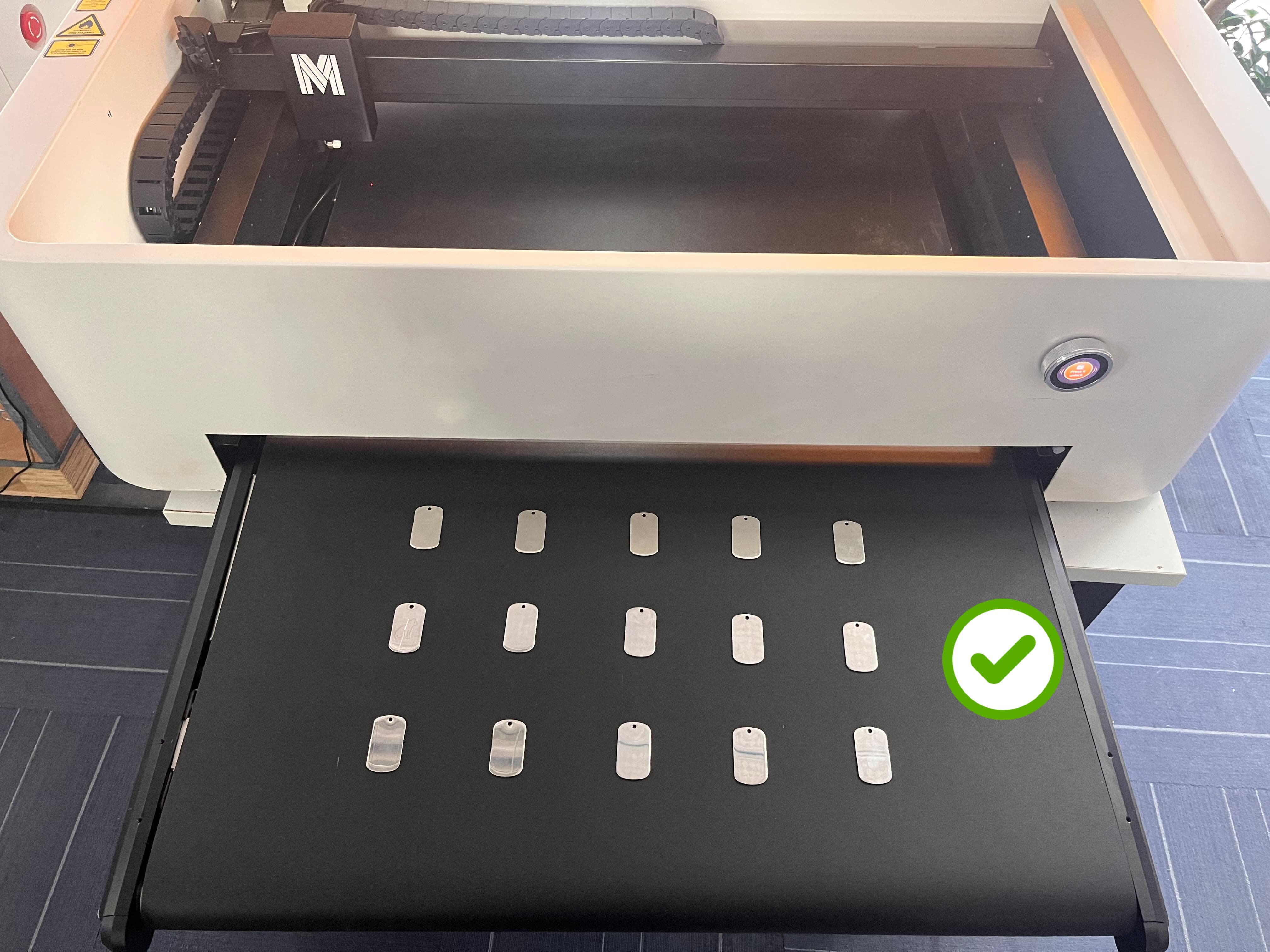
¶ 1. Support for 'Conveyor Batch Engraving' Mode
- This is an important new feature that can improve engraving efficiency, especially suitable for batch production scenarios. Users can refer to Conveyor Batch Engraving Guide for detailed instructions.
¶ 2. LightBurn Camera Support
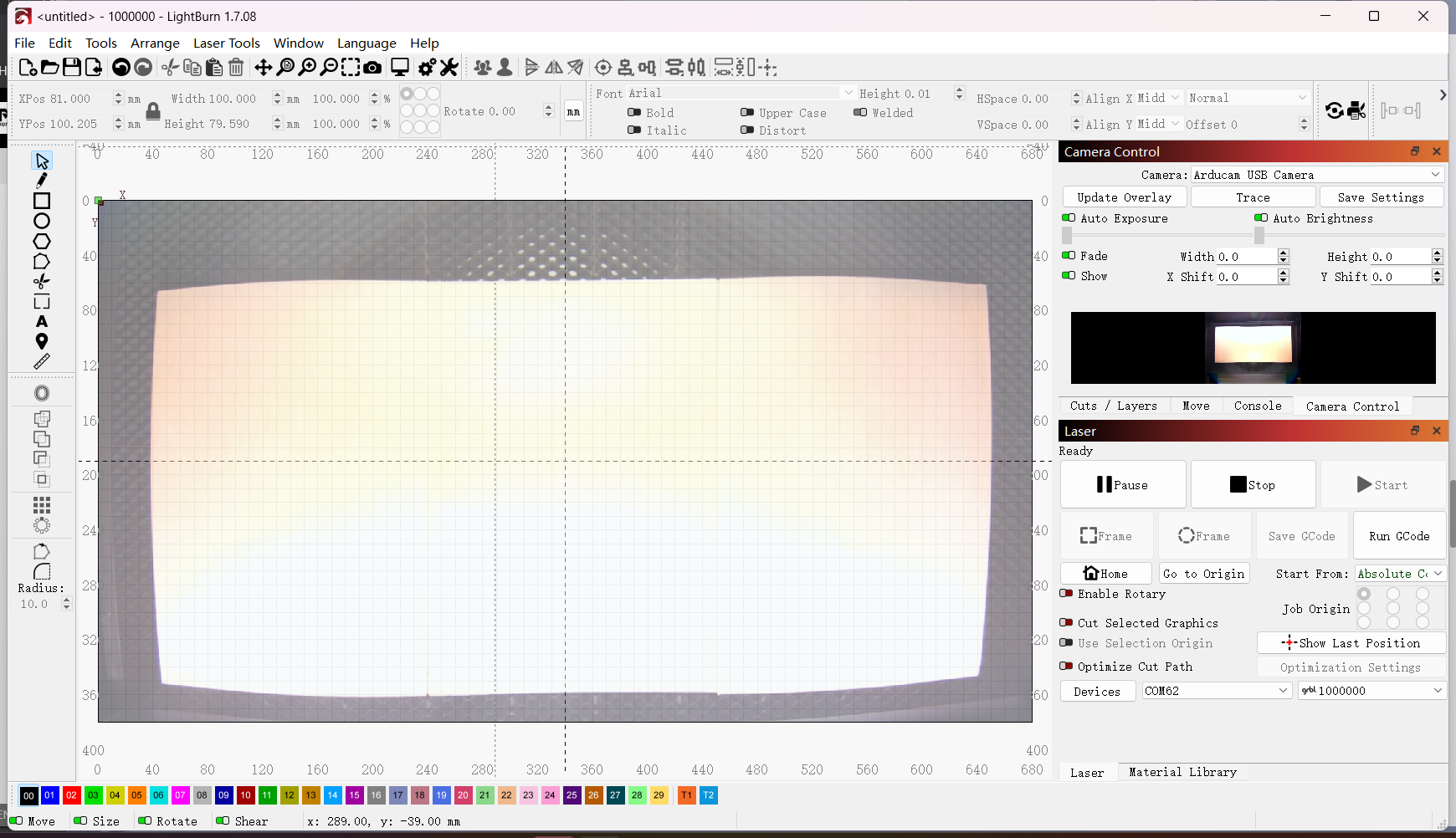
- The new support for LightBurn cameras may bring more operational convenience to users, such as better positioning or monitoring of the engraving object during the process. Please refer to the wiki below for more operational details:
LightBurn + MEGA Laser Machine: Camera-Visualized Engraving
¶ 3. Developer Mode
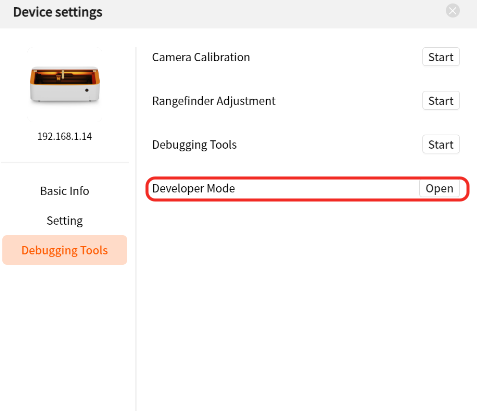
- The addition of Developer Mode is a highlight. It allows online sending of commands to the firmware via SSH, such as modifying acceleration parameters. This is particularly useful for developers who want to deeply customize and optimize device performance.
¶ Feature Upgrades
¶ 1. Smart Fill Function
- With the adoption of a new visual algorithm, the fill effect has been significantly enhanced.
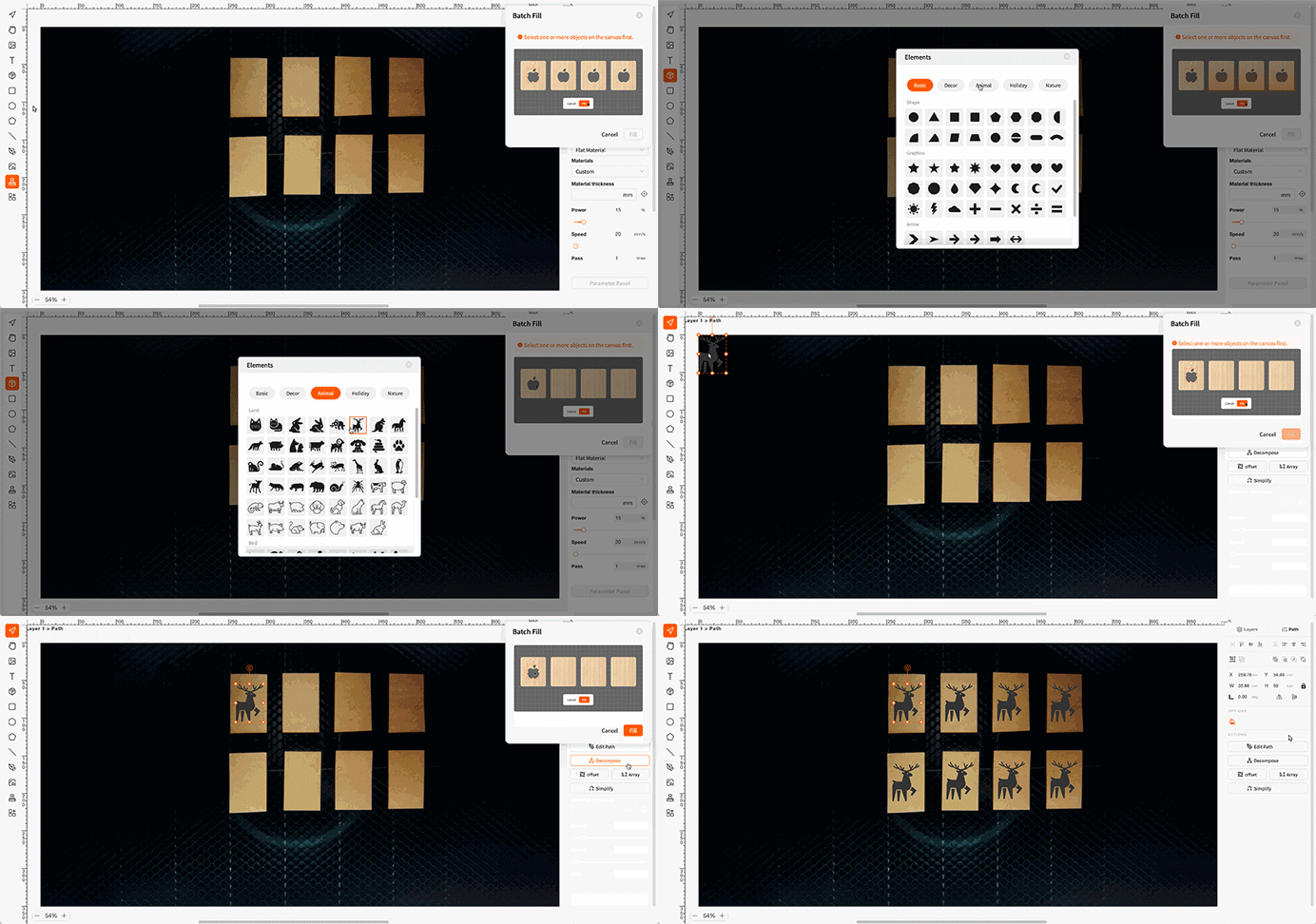
Users can refer to Smart Fill Guide for more details.
¶ 2. Pause, Stop, and Lid-Opening Mechanism Optimization
- Pause Function:
- When a carving/cutting task is paused, motion stops, the laser turns off, and the exhaust fan continues to operate. Users can click "Resume" to continue.
- Stop Function:
- Completely stops the task by turning off the laser and halting motor movement. Tasks cannot be resumed after stopping.
- Lid-Opening Safety Mechanism:
- If the lid is opened continuously for 10 seconds during a task, the system will forcefully stop the task to enhance safety.
¶ 3. Software Update Improvements
- Enhanced download speed for software updates and improved compatibility with various network environments, helping users obtain the latest features and bug fixes promptly.
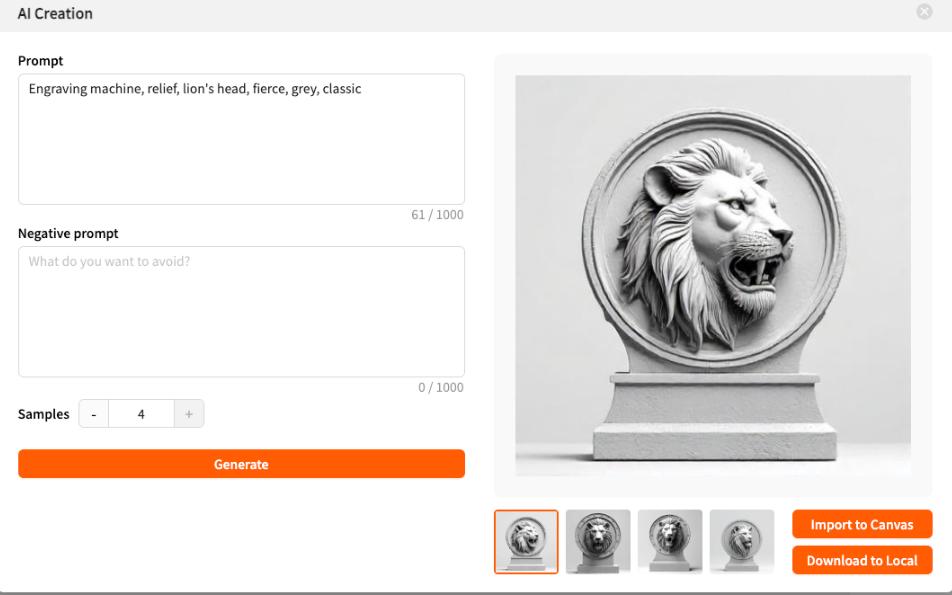
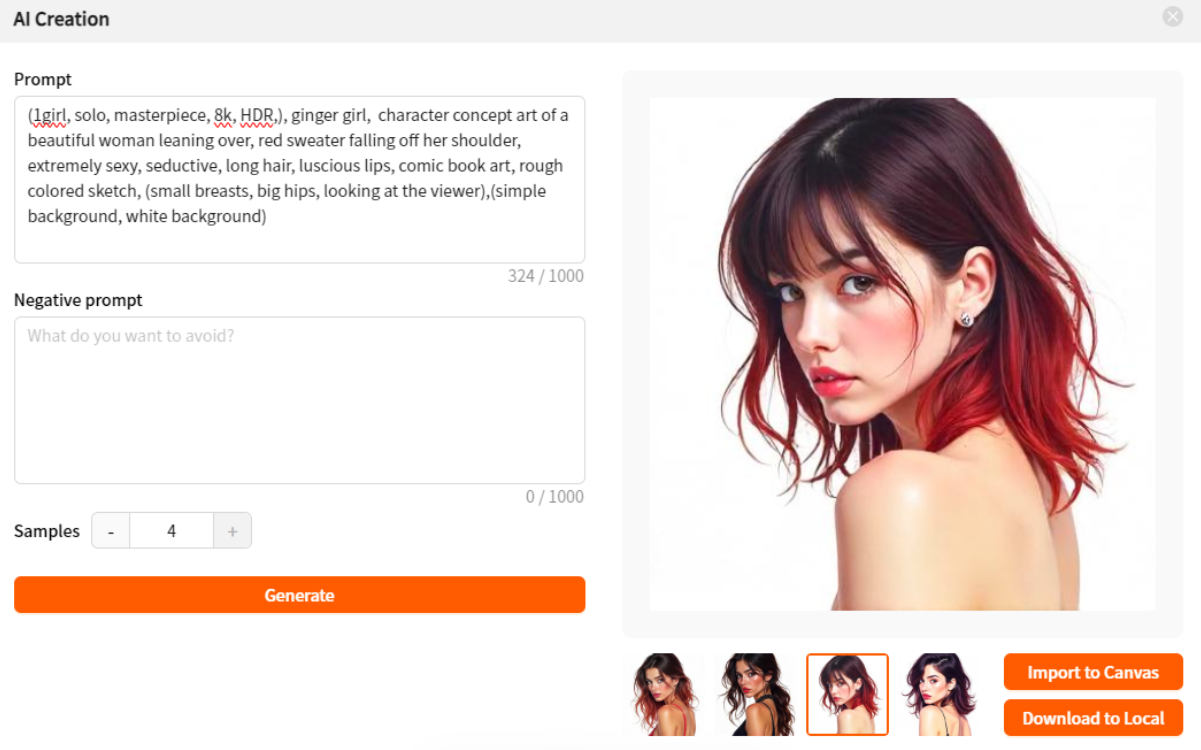
¶ 4. AI Image Generation
- By adopting the latest large models, the quality of AI-generated images has been improved, benefiting users who rely on AI for design pattern creation.
¶ 5. Bug Fixes
- Fixed an issue where the algorithm did not sync after image copying, ensuring correct algorithm application for copied images.
- Resolved a problem where the engraving size increased after image rotation, improving engraving size accuracy.
- Addressed several abnormal prompt issues, enhancing overall user experience.
**Getting Help**
If you encounter any issues while using the software, please contact support@monportlaser.com for assistance.