¶ M-Design Hub v1.5.0 Release Notes
Version: v1.5.0
Date: June 23, 2025
Download: https://github.com/Monport-Laser-Office/Monport-Design-Hub/releases
¶ New features
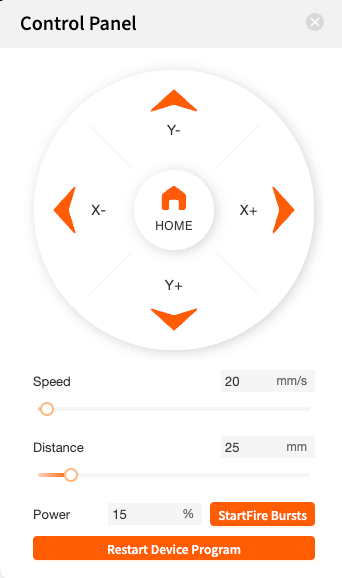
1. Add device control panel, which can control the machine in MDH, including reset, direction movement, point and shoot, restart and other functions;
2. new carving path algorithm to improve carving efficiency;
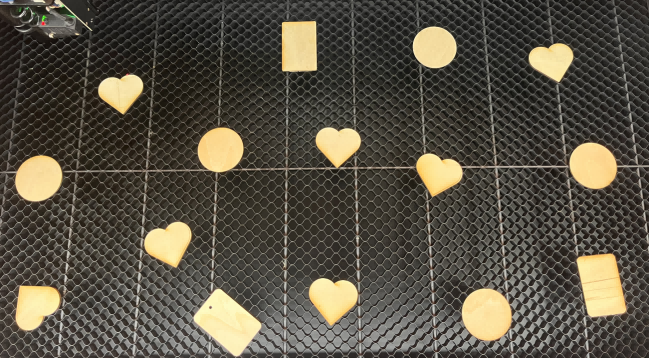
Note: Carve the same content in 15-30% less time
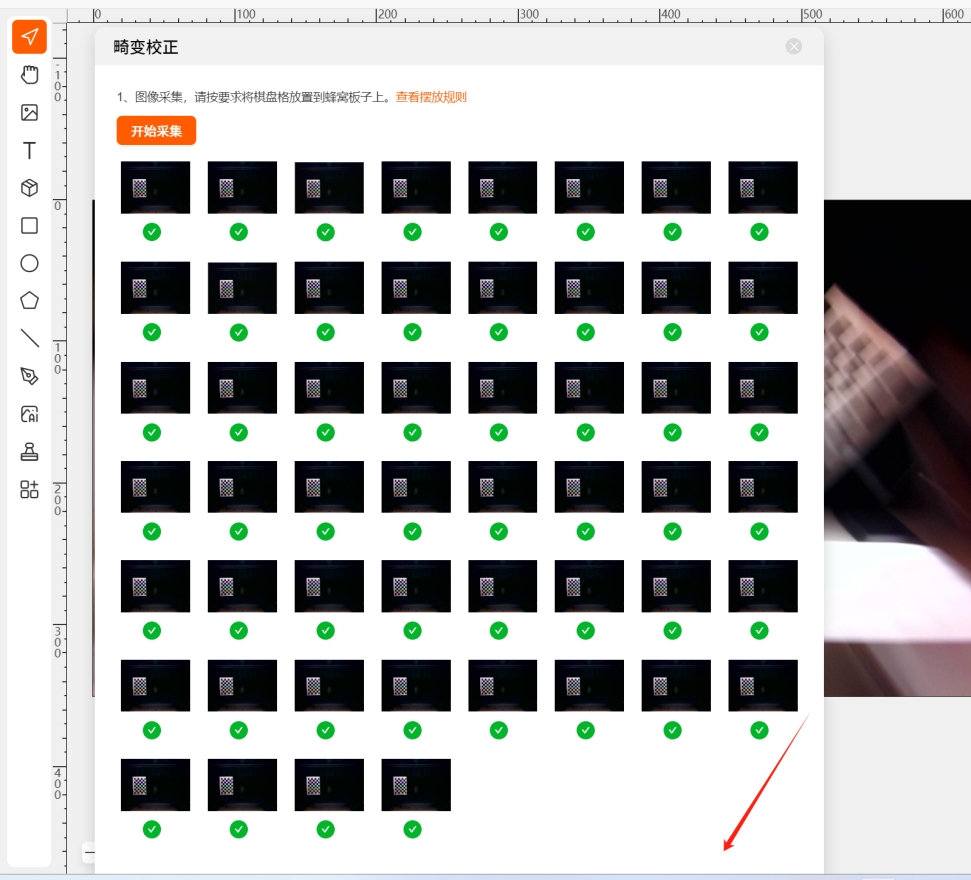
3.New distortion correction function to reduce the accuracy error caused by distortion when carving;
Please refer here to get more detail: https://wiki.monportlaser.com/en/home/mega/MDH-Camera-Distortion-Correction
4. Surface carving function upgrade;
BUG Fixes
1. Solve the problem of abnormal display when picture editing and picture ratio is enlarged to more than 100%;
2. Repair the problem of invalid canvas auto-saving;
3. Repair the problem of confusing English in the prompt box of the page;
4. Repair the problem of inconsistent display of the thickness of the material when switching between inches and millimeters;
5. Repair the problem of multi-language translations, and the problem of font drift in the page of some languages;
6. Repair the abnormal problem of zooming in and out; vii. Repair the problem of importing SVG, the size change; viii. Zoom in and out of the abnormal problem;
7. repair the import of SVG, the size of the problem of change;
8. repair the picture after editing, will be stretched on the original picture of the problem;
9. repair the batch fill, the program is unusually unresponsive to the problem;
10. repair the carving of the picture, the occasional engraving laser head does not return to the position of the problem;
11. repair the USB connection to the serial port is occupied, the problem of the wrong prompt word;
12. repair the ERP Repair the problem of MDH update data abnormality;
13. Optimize the prompt text when the element exceeds the canvas;
14. Repair the problem that the element area can not be measured when the thickness is measured;
15. Repair the problem that the self-contained case library exceeds the canvas area;
¶ Firmware v1.0.4.0 Release Notes
¶ New Functions
1. Realize the autofocus function of Lightburn; Please refer this wiki: https://wiki.monportlaser.com/en/home/mega/Mega-Lightburn-Auto-Focus
2. New distortion correction scheme;
3. Upgrade the bitmap engraving, and the speed and engraving effect have been significantly improved;
4. Upgrade the surface engraving function;
¶ BUG Fixes
1. To solve the problem of carving lost step;
2. To solve the continuous carving work, the air pump + fan pull up the problem;
3. To solve the failure of the camera correction, has been a timeout problem;
4. To solve the USB with the network, the password prompts the wrong problem;
5. To solve the carving order error, no light, crash and other issues;
6. To solve the problem of too long a pause before the start of the carving;
7. To solve the problem of the carving of bitmap, occasionally carving abnormal problems; eight, touch screen related process optimization; ix. To solve the problem of engraving bitmap, occasional carving abnormalities;
8. touch screen related process optimization:
9. to solve the problem of engraving, the laser head does not reset;
10. to solve the rangefinder deviation value by the cache clearing the impact;
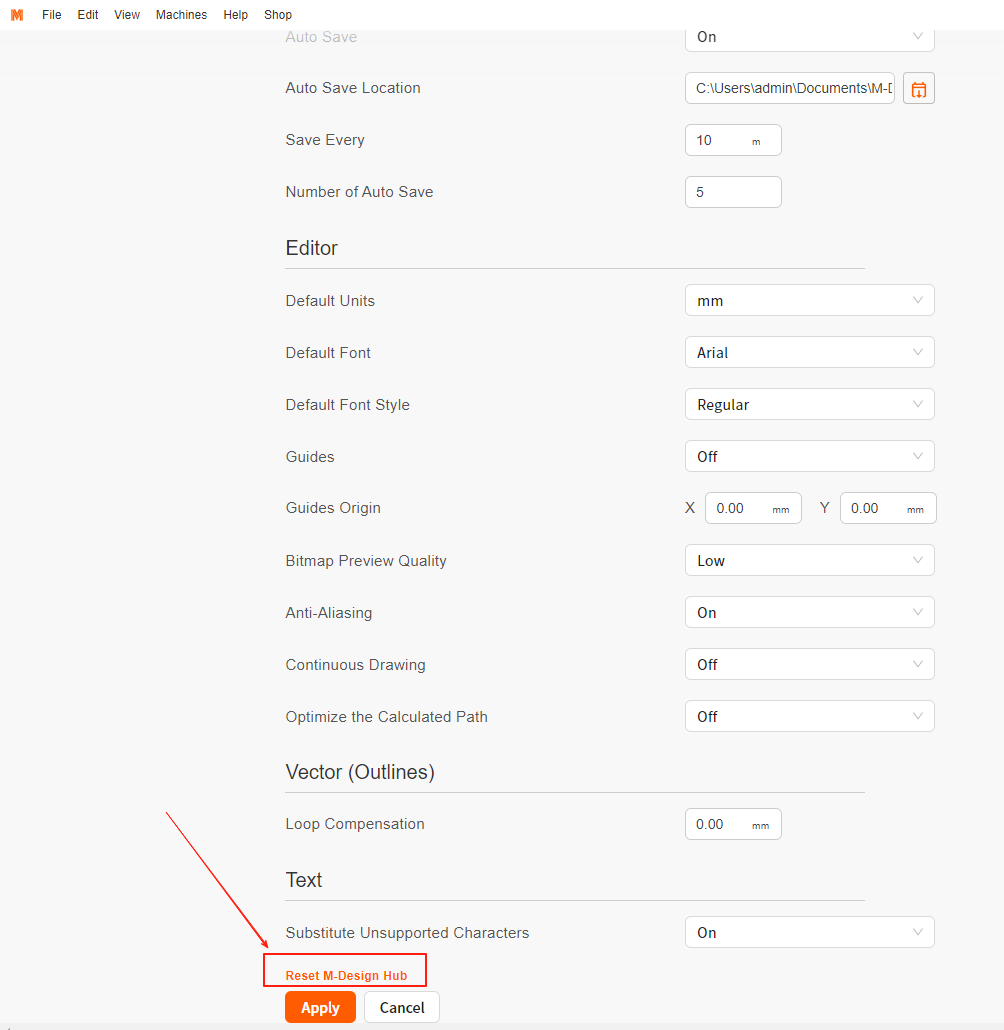
Tip: After updating this version, please reset M-design Hub first!
¶ Get Help
- Please contact support@monportlaser.com for assistance.